BIOS PS2
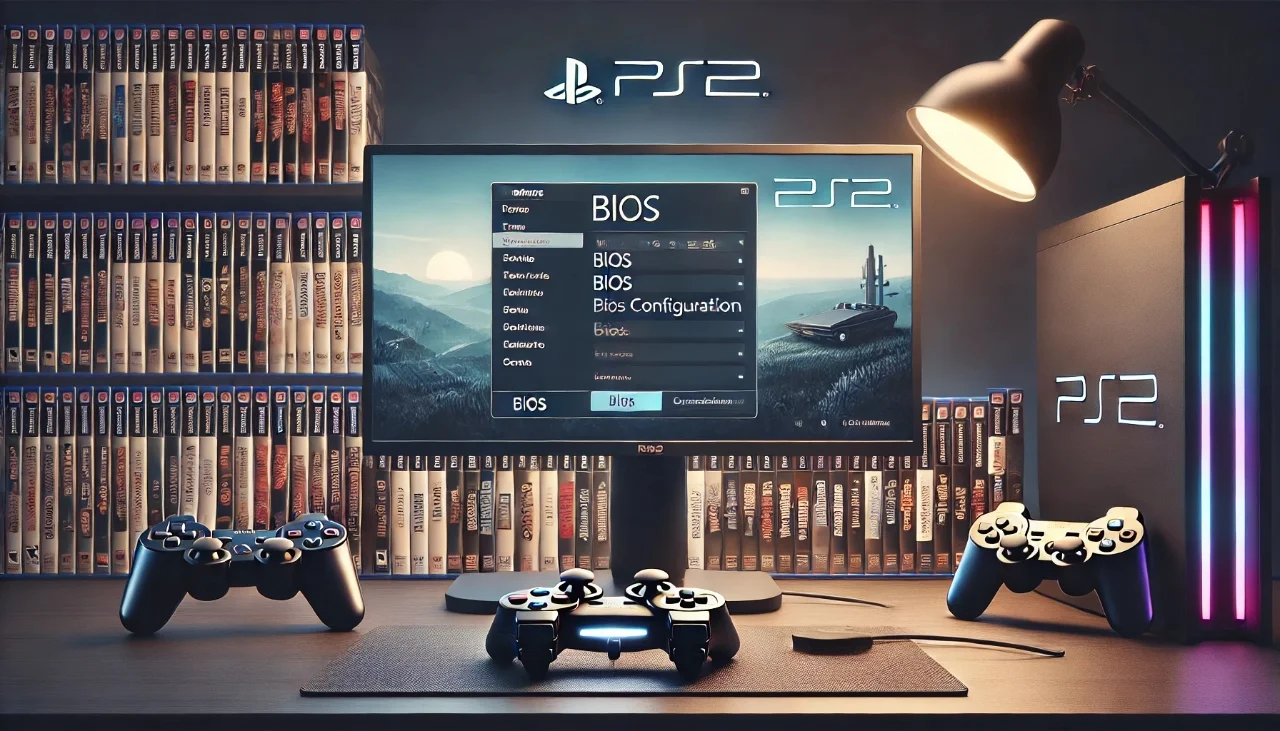
yaani PlayStation 2 BIOS, ek essential software file hai jo aapko PS2 games ko emulators ke zariye chalane ke liye chahiye hoti hai. Agar aap PCSX2 emulator ya kisi bhi PS2 emulator par games run karna chahte hain, to PS2 BIOS ka hona laazmi hai.
Is article me hum samjhayenge:
-
PS2 BIOS kya hota hai
-
Iski importance kya hai
-
Kaise kaam karta hai
-
Legal aspects
-
Aur kahan se legally obtain karna chahiye
What is BIOS PS2?
BIOS ka matlab hai Basic Input/Output System. Ye PlayStation 2 console ka ek built-in system firmware hai jo system boot karne, hardware initialize karne, aur games ko load karne ka kaam karta hai.
Jab aap PlayStation 2 pe koi disc insert karte hain, to BIOS us disc ko detect karta hai, uska region verify karta hai, aur phir game start karta hai.
Why is PS2 BIOS Important for Emulation?
Emulators jaise PCSX2 ya AetherSX2 PlayStation 2 ke software environment ko simulate karte hain. Lekin, ye emulators Sony ka official BIOS use kiye bina sahi kaam nahi karte.
PS2 BIOS ke bina:
-
Emulator boot nahi karega
-
Game run nahi hogi
-
Compatibility aur stability issues aayenge
Is wajah se, agar aap PC pe ya Android device pe PS2 games chalana chahte hain, to aapko BIOS file ka hona zaroori hai.
How PS2 BIOS Works
Jab aap BIOS PS2 ko emulator me load karte hain:
-
Emulator BIOS file ko system ke core ke taur par load karta hai
-
BIOS system settings, hardware status, aur region info read karta hai
-
Game file (ISO ya disc image) ko boot karta hai
-
Controls, graphics, aur sound initialize kiye jaate hain
Ye ek real console jaisa experience create karta hai, jise bina BIOS ke possible nahi banaya ja sakta.
Types of PS2 BIOS Files
Different PS2 consoles ke BIOS files alag hoti hain, based on region and model.
Popular BIOS Types:
| Region | BIOS File Name Example |
|---|---|
| Japan | SCPH-10000.BIN |
| USA | SCPH-39001.BIN |
| Europe | SCPH-70004.BIN |
Har BIOS file ka apna firmware version hota hai. Emulator aapko batata hai koun si version best support karta hai.
Is It Legal to Download PS2 BIOS?
Legally, PS2 BIOS ko download karna copyright infringement hai agar aap ne khud se apni console se extract nahi kiya.
Legal Way:
-
Aap ke paas original PlayStation 2 console hona chahiye
-
Us console se aap BIOS ko legally dump kar sakte hain (using tools like BIOS Dumper)
-
Third-party websites se BIOS download karna illegal hai
Emulation khud legal hai, lekin BIOS ka unauthorized download Sony ke copyright laws ka violation hai.
How to Extract BIOS from Your PS2 Console
Agar aap legal tareeqe se BIOS extract karna chahte hain, to ye steps follow karein:
-
Get a USB flash drive (FAT32 formatted)
-
Download BIOS Dumper tool and copy it to USB
-
Use Free McBoot or uLaunchELF to run BIOS Dumper on your PS2
-
BIOS file automatically USB me save ho jayegi
-
Use that file in emulator like PCSX2
Is process me technical understanding chahiye, lekin ye hi safest aur legal method hai.
How to Add BIOS in PCSX2
-
Open PCSX2 emulator
-
Go to Config > BIOS Settings
-
Click Browse and select folder jahan aap ne BIOS file rakhi hai
-
Select the correct BIOS version from the list
-
Press OK — now the emulator is ready
Ensure that BIOS file ka extension .bin ho, aur sath me ROM1, ROM2, ya EROM files bhi ho to compatibility barh jati hai.
Common Issues with BIOS PS2
| Issue | Solution |
|---|---|
| BIOS not detected | Confirm file extension and correct path |
| Emulator crashes | Try a different BIOS version |
| Games not loading | Check region mismatch |
| Slow performance | BIOS compatibility and emulator config |
BIOS PS2 Compatibility with Emulators
| Emulator Name | BIOS Required | Supported Platforms |
|---|---|---|
| PCSX2 | Yes | Windows, Linux, macOS |
| AetherSX2 | Yes | Android |
| Play! | Optional | Cross-platform |
PCSX2 is the most stable emulator with full BIOS support and advanced customization.
Conclusion
BIOS PS2 is the core component for running PlayStation 2 games via emulation. Without it, no emulator can offer real console-like performance or compatibility. However, it’s important to stay on the legal side by extracting BIOS from your own console.
If you’re serious about PS2 emulation, understanding BIOS configuration is the first and most important step.